


Find The Cat 2 Walkthrough
Find The Cat 2 video walkthroughs for 159 levels. Jump to your puzzle and see where the cats are hiding.
Independent fan-made guides. Not affiliated with the game developer.
Browse levels
Recently updated
Game screenshots



- Publisher
- Agave Games
- Platform
- Android, iPhone, iPad
- Guide coverage
- 159 levels
- Last updated
- App Store release
- Game store
- Google Play
 · App Store
What is Find The Cat 2?
Find The Cat 2 - Spot It! is a hidden-object puzzle from Agave Games for Android, iPhone and iPad. Look around each illustrated scene and tap the hidden cats. You can use the level finder above to jump to a recorded solution, or read on for a search method that lets you keep playing without seeing every answer. Start by matching the number and the picture shown in the video with what you see on your device.
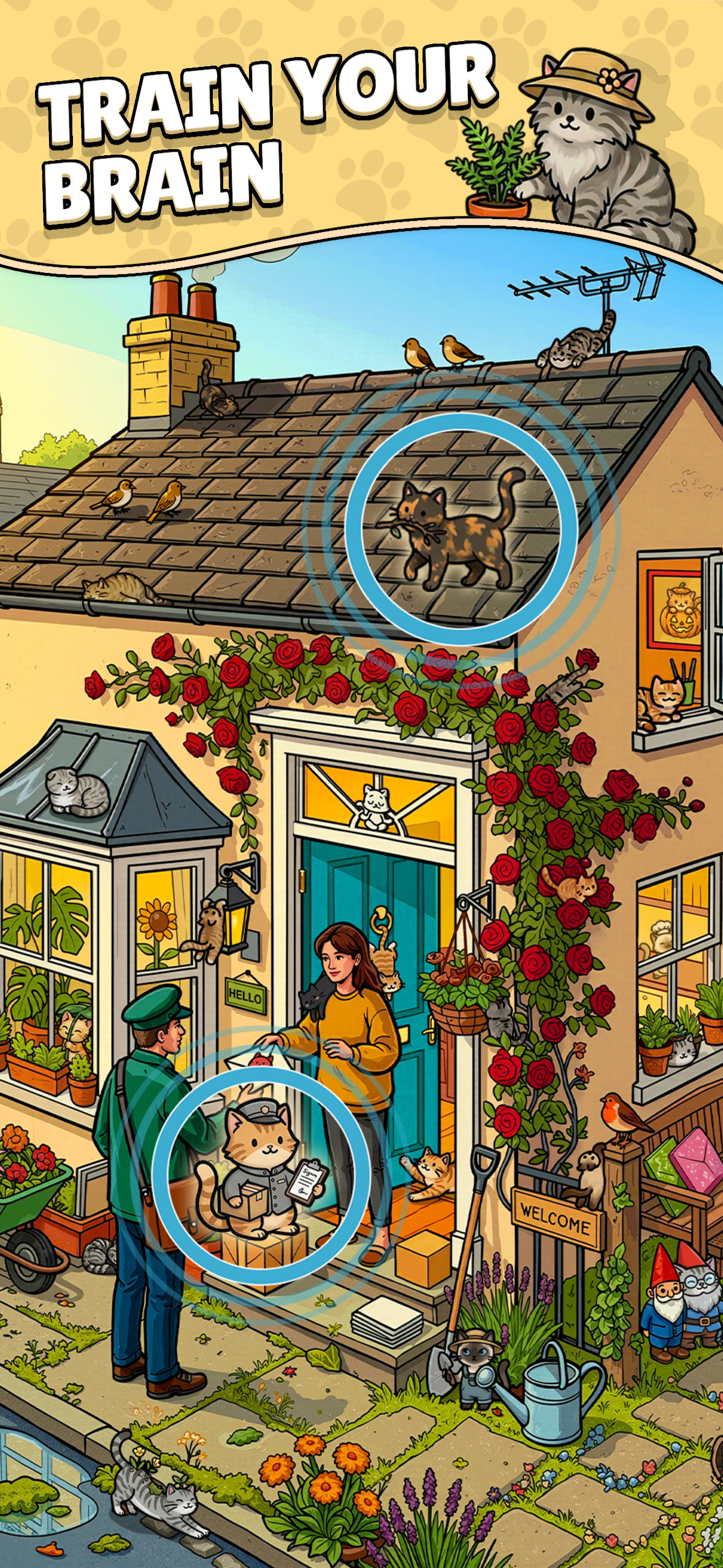
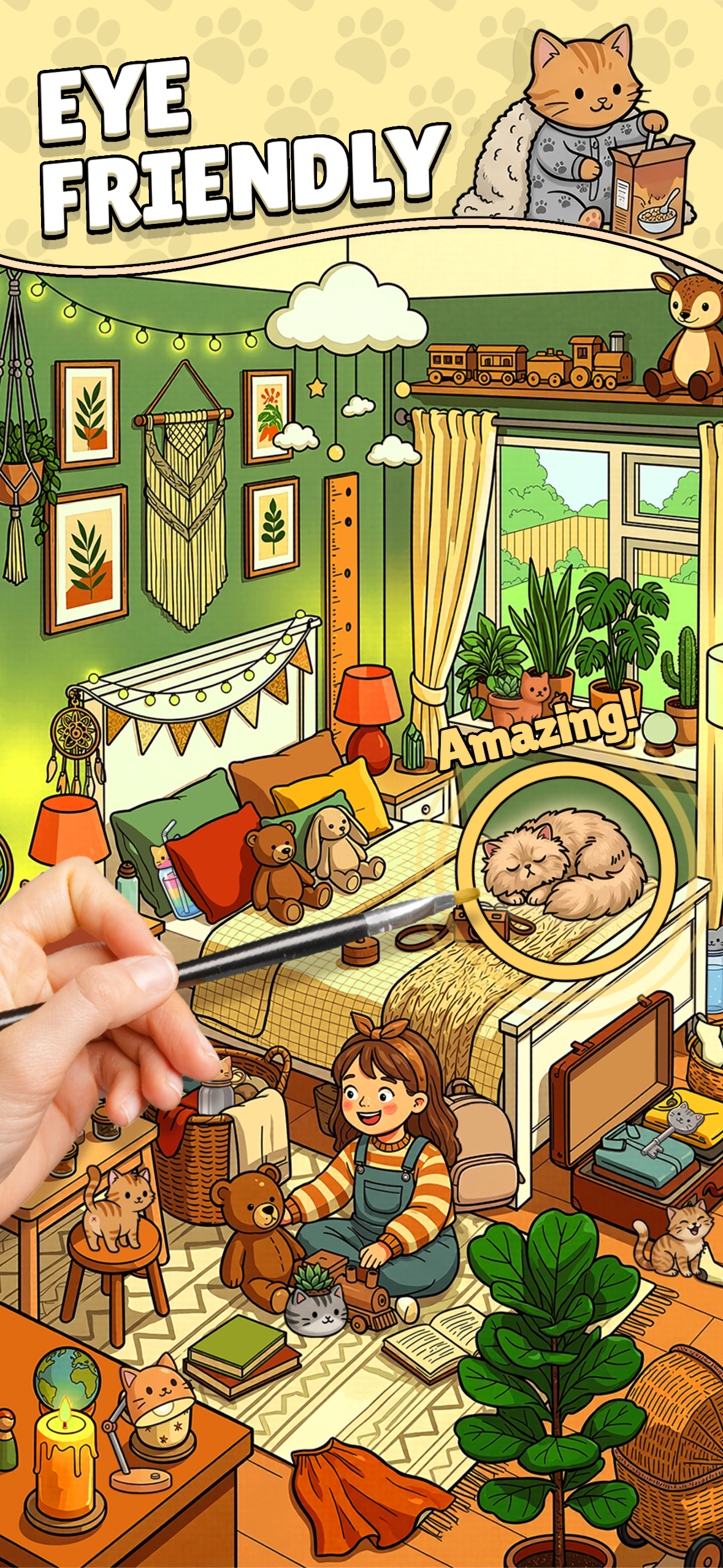
The sequel trades sparse-looking corners for richly colored places worth inspecting closely. In the store images, you can see a tiled roof with climbing roses, a home full of cushions and houseplants, a greenhouse with twisting vines, and a café with striped fabric and street furniture. Those settings call for different ways of looking: outline against roof tiles, ears against a blanket, or a patch of fur next to a leaf.
Learn the controls before hunting for the last cat
At the start of a puzzle, note the counter and give yourself a quick look at the whole scene. Tap cats as you recognize them and use the counter to tell how much work is left. If you zoom, move the scene deliberately and make adjacent views overlap. Once you can only see part of a scene at a time, the area you just pushed out of view is easy to miss.
Take advantage of open surfaces first. Roof edges, flat paths, walls and table tops can give you obvious targets and a quick sense of how large a cat appears in the picture. Then search along edges of furniture and plants. A sleeping cat has a low, rounded outline, and a cat behind an object may show little more than the top of its head. Small shapes matter more than whether a patch happens to have a familiar fur color.
When the scene gets crowded
Divide the picture into locations you can name, such as the area above a shop sign, the space between two tables and the pavement under a window. Search each area once before moving on. Overlap the boundaries slightly. Cats hidden on a sill or halfway behind a railing are the ones a hurried sweep is most likely to leave between two passes.
If you keep being drawn to the same bright object, change the order of your sweep. Going from the bottom upward encourages you to look underneath seats, beside planters and around ground-level clutter before returning to large foreground objects. Go back to the full view after that pass to see whether there is a ledge or a strip at the screen edge you never reached.
Pick the right walkthrough
Use the number shown inside the puzzle. The first frame of a recording should give you a recognizable landmark or the level card. If your picture differs, compare the mode and the cat count before copying a tap. A numbered level and a daily puzzle can both be hidden-cat scenes, and a themed stage title can appear in a search beside numbered results. Compare the scene itself instead of relying on an isolated number in a result title.
For one missing cat, mute the video if it helps you concentrate and pause whenever the counter changes. Note a nearby object that remains on the screen after the tap. A flowerpot, railing or chair is a better landmark than the exact pixel, since a different screen size and zoom level change where everything appears. Return to your board as soon as you have that landmark if you want to finish the rest yourself.
Before changing the app or your device
Google Play lists the Android app with ads and in-app purchases, and the App Store lists the iPhone and iPad version as free with in-app purchases. The price or terms of an optional purchase are shown in your app or storefront. If you hit a loading problem, reopen the app and check the store for an update. When reporting a repeatable freeze, record the screen, level, device and app version if available. If your progress matters, check the app's current backup or transfer options before deleting its data or moving to another device.
This is an independent video guide for players. You play the puzzles in Agave Games' app. Use the sections below to learn a search pattern, compare the app's puzzle types or find help with a video that shows a different picture.
Frequently asked questions
How many levels does Find The Cat 2 have?
One of Agave Games' App Store images advertises more than 10,000 levels. The guide index lists the numbered levels with a matching video and has its own, separate coverage count.
Is Find The Cat 2 free?
The App Store lists it as free to download with in-app purchases. Google Play discloses ads and in-app purchases. Check the listing and the purchase screen for what applies in your region.
Can I play Find The Cat 2 online here?
The app is where you play. This guide lets you read the controls and watch recordings in your browser.
Can I download the app as an APK or mod here?
The Google Play and App Store links take you to the developer's listings. The guide contains video walkthroughs and playing tips.
Are the illustrations AI-generated?
Agave Games describes the scenes in its store listings. Those listings do not specify how the artwork was made.
Why does the video show a different scene?
Compare the game title, level number, puzzle mode and opening picture. If the number matches but the landmarks are different, look for a recording that matches your picture.
How do I use a video without spoiling the whole puzzle?
Pause on a find, take note of a single landmark and go back to your board. Use the next find only if you get stuck again.